如何在自定义AI代理的同时使用SQLcl的MCP服务器
AI代理MCP服务器Oracle SQLclPython开发数据库交互自然语言处理
原文地址: https://www.thatjeffsmith.com/archive/2025/12/can-i-build-an-agent-still-use-sqlcls-mcp-server-yes/
# 能否自定义AI代理并同时使用SQLcl的MCP服务器?完全可以!
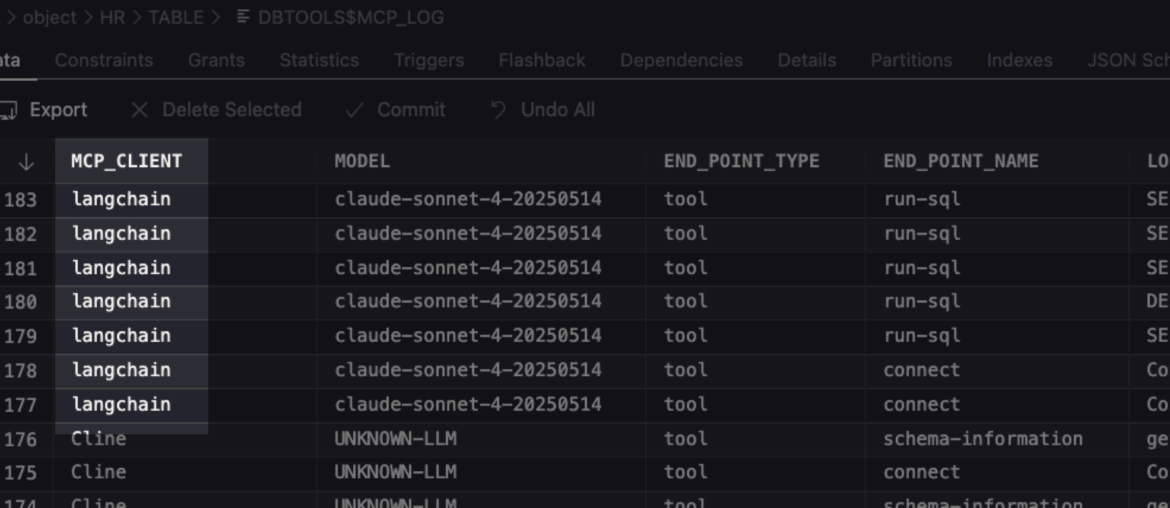
这是一篇快速解答近期常见问题的技术短文:"我们能否不依赖Copilot/Claude/Windsurf等现成工具,而是构建自己的AI代理?"
答案很明确:当然可以!即使是我这样的菜鸟(读者朋友们肯定比我强)也能通过Python编写AI代理,并通过Oracle SQLcl的MCP服务器连接到Oracle AI数据库。
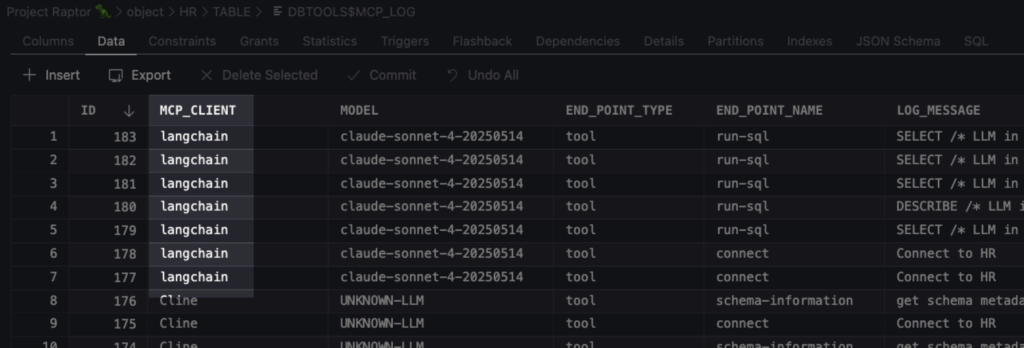
## SQLcl MCP服务器日志
这些日志会便捷地存储在你的数据库中
仅用少量Python代码,我就实现了一个可通过自然语言提问与Oracle数据库交互的聊天提示工具。
```bash
thatjeffsmith$ /Users/thatjeffsmith/langchain/.venv/bin/python main.py
============================================================
NL2SQL Chat Agent - Oracle Database Edition
Powered by LangChain + Claude + MCP
============================================================
Initializing agent...
Agent ready! Type 'exit' or 'quit' to end the session.
You: Connect to Project Raptor 🦖 database and find the highest paid employee by salary
Agent: ---------- MCP SERVER STARTUP ----------
MCP Server started successfully on Mon Dec 01 14:55:19 EST 2025
Press Ctrl+C to stop the server
----------------------------------------
Dec 01, 2025 2:55:20 PM
## Summary
I successfully connected to the **Project Raptor 🦖** database and found the highest paid employee:
**Highest Paid Employee:**
- **Name:** Steven King
- **Employee ID:** 100
- **Email:** SKING
- **Job Title:** AD_PRES (President)
- **Salary:** $24,000
- **Department:** Executive (Department ID: 90)
Steven King is the President of the company and works in the Executive department, earning the highest salary of $24,000 among all employees in the database.
You: kthxbye
```
## Java开发者也能实现
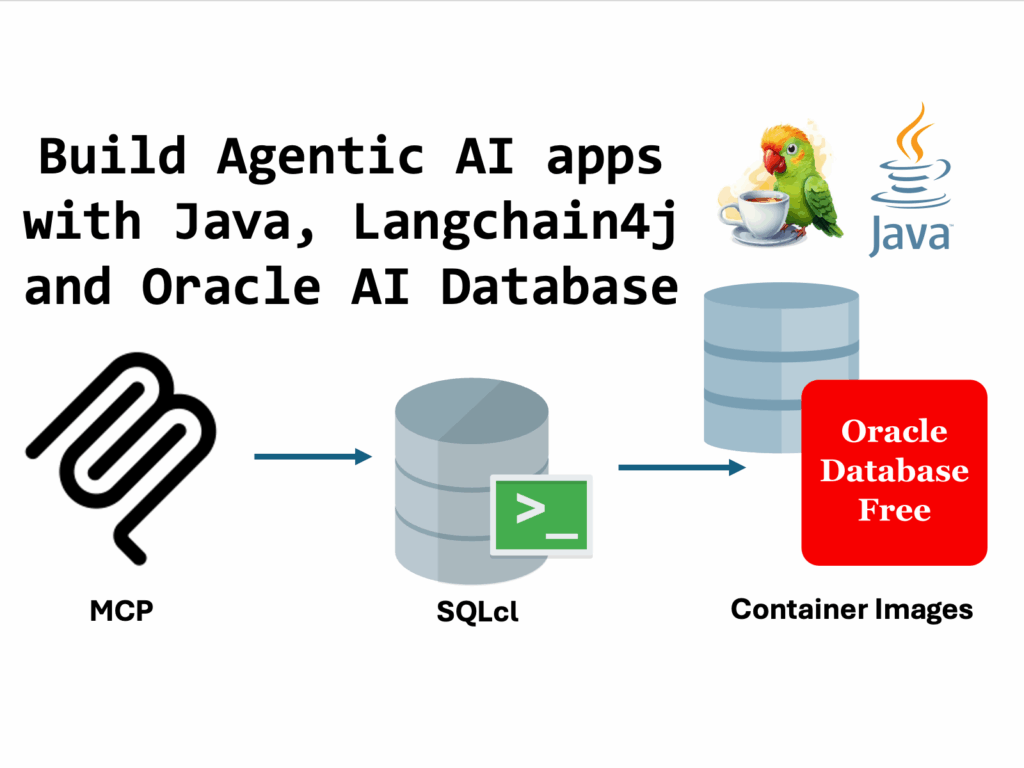
如果你想用Java实现,可以参考Oracle开发者大使Anders的完整代码示例(他的代码比我专业得多!)
## 关于使用的AI模型
Anders和我的实现都不是运行本地大语言模型。我使用Claude控制台API密钥访问其Sonnet 4模型,而Anders使用的是OpenAI的gpt-40-mini模型。
值得注意的是,如果你构建自己的AI代理,完全可以运行本地LLM——这样能确保数据不会离开你的环境。MCP服务器并不关心你使用什么模型或代理。
## 系统提示模板
```bash
self.system_prompt = """You are an expert SQL assistant with access to an Oracle database.
Your role is to:
1. Understand natural language questions about data
2. Generate accurate SQL queries to answer those questions
3. Execute the SQL using the available tools
4. Summarize the results in a clear, understandable way
When a user asks a question:
- First, use get_schema_info if you need to understand the database structure
- Then generate the appropriate SQL query
- Execute it using execute_sql
- Finally, provide a clear summary of the results
Always ensure your SQL queries are safe and follow Oracle SQL syntax.
"""
```
## MCP服务器配置
```json
{
"command": "/opt/sqlcl/25.3/sqlcl/bin/sql",
"args": ["-mcp"],
"type": "stdio",
"env": {}
}
```
## 测试MCP服务器
简单的Python测试脚本:
```python
from src.agent import NL2SQLAgent
import json
# Load config
with open('config/mcp_config.json') as f:
config = json.load(f)
# Test the agent
agent = NL2SQLAgent(config)
print('Agent initialized!')
print()
# Test a simple query
response = agent.chat('List all available database connections')
print('Response:', response)
agent.close()
```
测试结果:
```bash
Agent initialized!
---------- MCP SERVER STARTUP ----------
MCP Server started successfully on Tue Dec 02 15:33:08 EST 2025
Press Ctrl+C to stop the server
----------------------------------------
Response: Here are all the available Oracle database connections:
1. **Project Raptor 🦖**
2. **Free26ai**
3. **🅾️ Autonomous Reporting**
4. **system**
5. **Project Payroll 💲**
6. **HR123**
7. **ADMIN**
8. **demo**
9. **windy**
You can connect to any of these databases by specifying the connection name.
```